Accounts & sync
Sign in to save your garden to the cloud and use it on any device.
Without an account, Heirloom saves to this browser only. Clearing browser data or switching devices loses it.
The menu
The round person button at the top right opens the menu. It has:
- Account: Sign in to save (with email), or your profile once you're in, plus the sync status.
- Sign out.
- Help Center: these pages.
- Suggest a feature: a short form that sends your idea straight to us. Add your email if you'd like a reply.
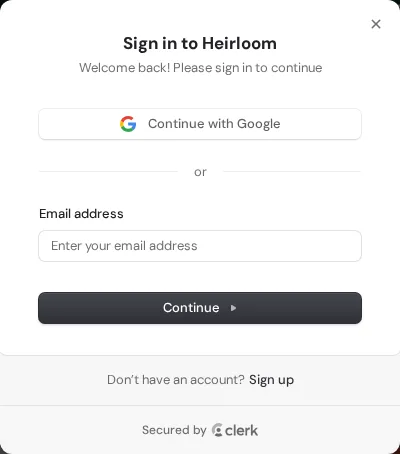
Once signed in, your seeds, notes, planted info, journal, bed plan, reminders, zone, ZIP and custom frost dates save to your account automatically as you make changes.
- Nothing gets lost: when you first sign in, anything already in your browser is merged with your account.
- The status under the button shows Saved to your account. If you're offline it keeps a copy on the device and syncs next time.
Clear your data or delete your account
Both are in the account menu (the round person button at the top right), at the bottom.
- Clear data on this device removes the garden saved in this browser: seeds, notes, journal entries, zone, ZIP, frost dates and preferences. Nothing is sent anywhere. If you never signed in, this browser copy is the only copy. If you are signed in, the copy in your account stays and comes back when you sign in.
- Delete account (only when signed in) permanently deletes your Heirloom data from our servers: your garden, planting journal and photos, bed plans, saved varieties and reminder settings. You confirm by typing DELETE. A Season Pass is cancelled right away and is not refunded, and lifetime access ends with the account. We keep a minimal record of any purchase, without your name or email, for tax and accounting. If you also use other Kruger apps, only your Heirloom data is deleted and your sign-in is kept; otherwise your sign-in account is deleted too.