Print or save as PDF
Print your season plan or save it as a PDF.
Press Print / PDF next to + Add Seed Packet. Your browser's print dialog opens with a print-friendly layout that keeps the design colors. What prints depends on the tab you're on:
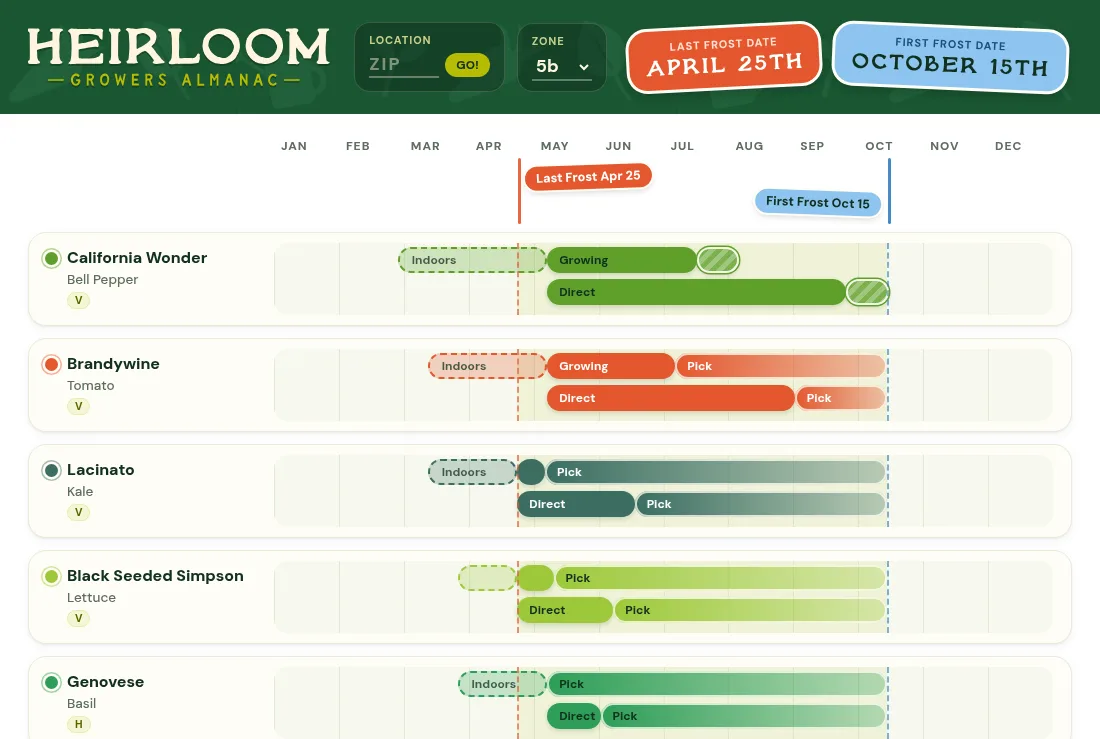
- Timeline: the full year, including succession rounds.
- Seed Cards: every card with its dates.
- Reminders: just the list of reminders.
Print / PDF is part of Annual and Perennial. To get a PDF, choose Save as PDF as the printer. Landscape fits the full year best.